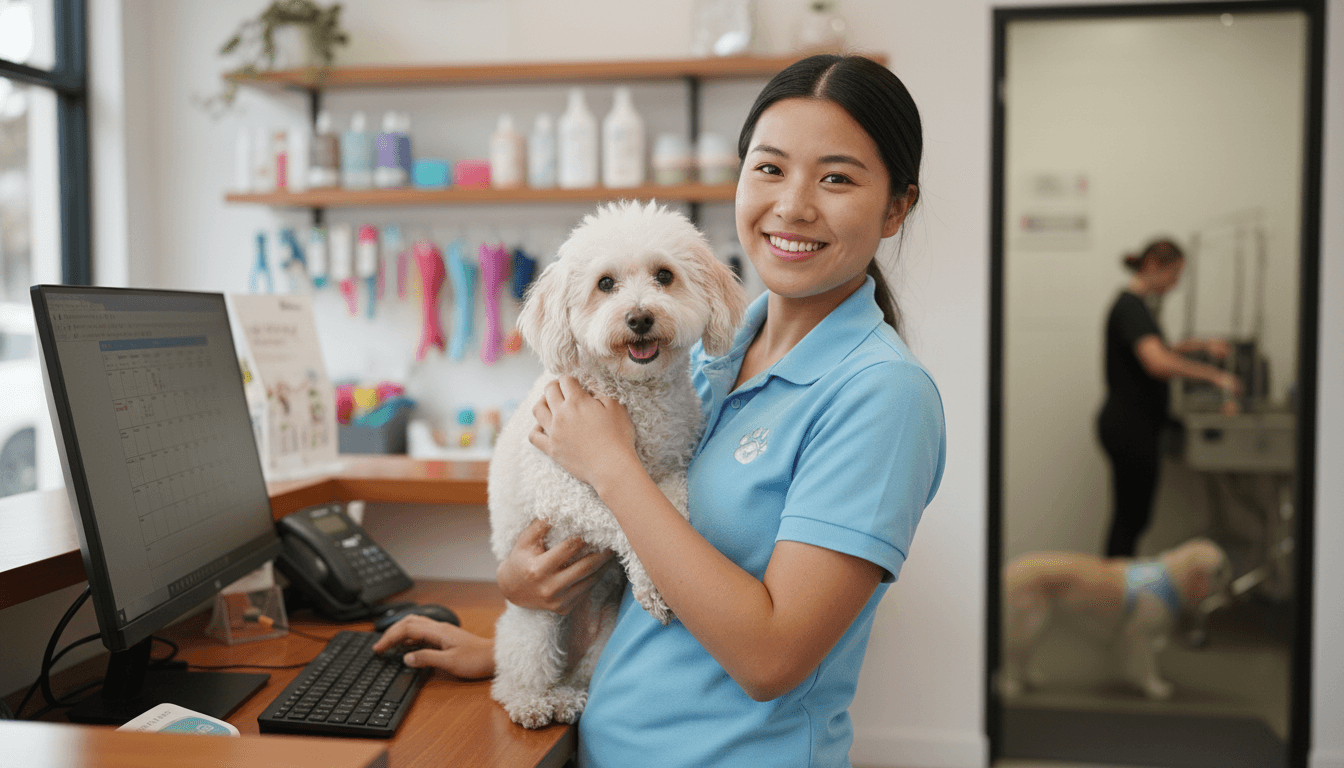
Streamlining Pet Daycare Operations With Technology
A practical guide to streamlining pet daycare operations with technology: what to automate first, 2026 software prices compared, and a 30-day rollout plan.

In this article
Eleven dogs are losing their minds at the front door, the phone won't stop ringing, and your desk person is flipping through a binder to work out whether a regular's bordetella shot lapsed last week. Somewhere in the back, next Tuesday's roster is one staffer short and nobody has noticed yet.
None of that is a dog problem. It's an information problem, and fixing it is what streamlining pet daycare operations with technology actually means. What follows is the ground-level version: the five jobs that eat your hours, what the main software options cost as of 2026, the automations that pay for themselves first, and a 30-day plan to roll it out without a chaotic month.
Table of contents
- The five jobs eating your day
- What the main tools cost in 2026
- The automations that pay for themselves first
- What to keep human
- Cameras, wearables and the rest of the extras
- Streamlining pet daycare operations with technology in 30 days
- Your first concrete move
The five jobs eating your day
Wasted hours in a daycare tend to cluster around the same five jobs.
- Booking: phone tag, after-hours voicemails, and the double-booked Saturday that only surfaces at drop-off.
- Check-in: paper intake, guessing at capacity, and a counter that backs up when three owners arrive together.
- Records: vaccine dates, feeding notes and medication instructions, all living in a binder or in someone's head.
- Staffing: matching people to tomorrow's dog count, plus the 6 a.m. call-out you find out about too late.
- Money: invoicing, prepaid packages, and chasing a $180 balance two weeks after the visit.
Plenty of shops solve each job with a different tool: Gingr for reservations, Square for the counter, QuickBooks for the books, a scheduling app for staff. That's four subscriptions and four logins, and none of them talk to each other. The market has moved past that. Guideflow's 2026 comparison of dog daycare software notes that most daycare platforms now bundle online booking, pet and client records, vaccination-expiry alerts, care instructions, staff scheduling, invoicing and client messaging in one system. Some platforms, GoPet AI among them, also fold POS and loyalty programs into the same login, which matters if you sell retail and treats at the counter.
Booking and reminders
An online booking page takes reservations after you've locked up for the night, without anyone standing there. Confirmation and reminder texts go out on their own, which is the cheapest no-show fix money can buy. Pet Manager, one of the platforms in this space, automates the email and SMS around bookings, check-ins and payments, so follow-up happens even when the front desk is elbow-deep in leashes.
Run the numbers. Two missed days a week at a $32 daycare rate is more than $3,300 a year in empty runs, and a reminder sequence costs nothing after setup.
Check-in and capacity
Speed at the counter is where software shows off. ProPet says its system can check in a walk-in daycare pet and generate an invoice in under 10 seconds, and features like recurring schedules, waitlists and prepaid packages remove most of the reasons owners call instead of booking online. On the back end, kennel-capacity views and play-group management (Paw Partner's business tools include play groups, feeding and medication reports, and staff task lists) let you promise a Tuesday spot because you can see Tuesday's count, not because it feels about right.
Records and vaccines
This is the job nobody glamorizes and the one with real downside. Modern platforms track expiry dates, ping you and the owner before a vaccine lapses, let owners upload records through an app, and store signed waivers digitally. DoggieDashboard, for instance, pairs vaccine-expiry tracking with online waivers and recurring bookings.
A vaccine lapse you catch by alert costs you a phone call. One you miss can cost you the client, or worse.
Staffing
Your insurer and local rules set the staff-to-dog ratio; software just has to show you tomorrow's bookings against it. Drag-and-drop scheduling and staff time clocks, which DaySmart Pet and Paw Partner both include, mean a call-out is a quick drag, not a forensic reconstruction. Even a simple staff chat app beats the corkboard if that's all you can manage right now. Just be honest with yourself that chat doesn't touch bookings or vaccine records, so treat it as a stopgap, not a system.
Money
POS and invoicing belong in the same system as the booking, or you'll retype data forever. Reporting is the quiet win: DoggieDashboard ships more than 50 PDF reports, including monthly revenue and daily appointment counts, which turns "so how was October?" into a two-minute answer instead of an evening with a calculator.
What the main tools cost in 2026
Prices are all over the map, and most vendors bill per location per month rather than per dog. Figures below come from the vendors' own sites and the Guideflow comparison.
Tool | Price (per month, as of 2026) | What it's best at |
|---|---|---|
DoggieDashboard | Free up to 10 pet profiles; $40 for unlimited | Small operators; big report library, vaccine tracking |
ProPet | $49.99 base, daycare module adds $15 | Front-desk speed: walk-in check-in and invoicing, waitlists |
DaySmart Pet | $69 / $149 / $199 tiers | Drag-and-drop scheduling, kennel capacity, automated texts |
Paw Partner | $99.99 (Boarding, Daycare & Multi-Service) | Owner app: booking, vaccine uploads, photos, messaging |
Two things the price tags don't tell you. First, accounting usually lives outside these systems, and retyping invoices into your books is its own little tax; some platforms close that gap by syncing payments and accounting directly. Second, some vendors price modularly, so the sticker depends on which modules you switch on. DaySmart Pet's dog boarding software page, for example, advertises drag-and-drop scheduling, kennel-capacity management, automated email and text reminders, digital forms, and reporting on bookings, revenue and performance, all in one plan.
How to choose between them
- Price at your dog count: DoggieDashboard's free tier caps at 10 pet profiles, so growth changes the math fast. Model your cost at next year's dog count, not today's.
- Vaccine handling: expiry alerts and owner uploads should be standard equipment, not an add-on.
- Owner self-service: can parents book, pay, sign agreements and see photos without calling you? Paw Partner's customer app covers exactly that.
- Integrations: Stripe, Xero or QuickBooks, so money never gets retyped.
- Reports: daily counts and revenue you'd actually read, not vanity dashboards.
My honest take: for a single-location daycare with a few dozen to a couple hundred regular dogs, price and vaccine handling matter more than brand name. Once you add grooming, boarding or a second site, integrations become the decision.
The automations that pay for themselves first
Streamlining pet daycare operations with technology works best in sequence, because not every automation earns its keep at the same speed. Ranked by how fast they return their cost:
- Reminders and confirmations. Cheapest to set up, most direct hit on no-shows.
- Vaccine expiry alerts. Liability protection that doubles as a rebooking prompt: "Max is due for boosters, want Tuesday?"
- Recurring bookings. Weekly regulars should self-perpetuate; ProPet and DaySmart both handle recurring schedules.
- Post-visit follow-ups. Templates for "how was the first day?" and review requests, sent automatically.
- Birthday and loyalty touches. Nice to have. They earn their keep once the basics run themselves.
And where does AI fit in, since every vendor mentions it? For now, mostly as the brains behind smarter reminders, waitlist backfill and drafted review responses. That's modest, but modest and reliable beats a demo. I'd take a reminder sequence and vaccine alerts over a webcam package any day of the week, because cameras don't cut no-shows and they don't catch a lapsed rabies shot.
Give the software anything with a deadline attached. Keep the temperament calls, the incident conversations and the awkward refund chats yourself, because those are the moments owners actually remember.
What to keep human
Automation has a ceiling, and it's lower than some vendor pages suggest.
Task | Automate it? | Why |
|---|---|---|
Booking confirmations and reminders | Yes | Pure rule-following |
Vaccine expiry alerts | Yes | Compliance, and owners appreciate the nudge |
First-day temperament assessment | No | No software reads a nervous border collie |
Calling about an incident or injury | No | Owners forgive accidents. They don't forgive finding out from a template |
End-of-day photo updates | Half | Send them with a system, write them like a person |
Cameras, wearables and the rest of the extras
Webcams get outsized attention, and big operators like Dogtopia have built part of their franchise experience around tech-powered monitoring. Parents do love them, and they can help retention and social proof. But be clear about what they are: marketing, not operations. A camera stream doesn't shorten check-in and doesn't balance the books. Wearables and activity trackers are similar; they're a nice answer for health-conscious owners, and they won't fix your front desk. Buy them for the retention bump if you like, but only once the basics run without you, because no tracker has ever chased an unpaid invoice.
Streamlining pet daycare operations with technology in 30 days
Switching systems mid-season sounds painful. It's manageable if you sequence it:
- Audit, days 1 to 7. Write down every repeat task and roughly how many minutes a week it eats. Be petty about it.
- Pick the bottleneck, day 8. For most daycares it's booking plus reminders.
- Load your data, days 9 to 14. Pet records, owners, vaccine dates. Ask the vendor about importing; nearly all of them do it, and it's faster than a weekend of typing.
- Switch on one automation a week. Reminders first, then vaccine alerts, then recurring bookings.
- Run old and new side by side for two weeks. Yes, it's double work. It catches the gaps before your clients do.
- Check three numbers at day 30: the share of bookings made online, your no-show rate, and revenue per dog-day. A platform with solid reporting makes the third one easy.
Your first concrete move
Start small and time it. Pick one working day this week and write down every repeat task your team touches, with a rough minute count next to each. That list, ugly as it will look, tells you which of the five jobs is bleeding the most hours, and it's all the evidence you need to choose your first automation.
Then pick the platform that covers that job at your dog count, switch reminders on first, and run the new system alongside your current process for two weeks. If online bookings climb and your no-show rate drops, the rest of the rollout writes itself. If they don't, you've spent a month and a spreadsheet finding out cheaply, which is still better than discovering it at drop-off on a fully booked Saturday.
At GoPet AI, we build all-in-one software for pet care businesses, daycares included, with online booking, scheduling, pet records, loyalty programs, POS, invoicing and business insights in one place instead of six logins. If the binder scene felt a little too familiar, GoPet AI is worth a look.
About the author
Jeremy
Petcare Sales Manager
Passionate about helping pet businesses thrive through technology and innovation.
Ready to streamline your pet care business?
Join thousands of groomers, boarding facilities, daycare centres, and vet clinics using GoPet AI to manage bookings, CRM, POS, and invoicing — all in one place.
- ✓Online booking & scheduling
- ✓Invoicing, POS & payments
- ✓CRM & client management
- ✓Staff, loyalty & analytics
Setup in under 2 minutes · Cancel anytime
Related articles
View all
How to Get More Google Reviews for Your Pet Business
Read article
Building a Winning Pet Business Loyalty Program for Client Retention
Read article