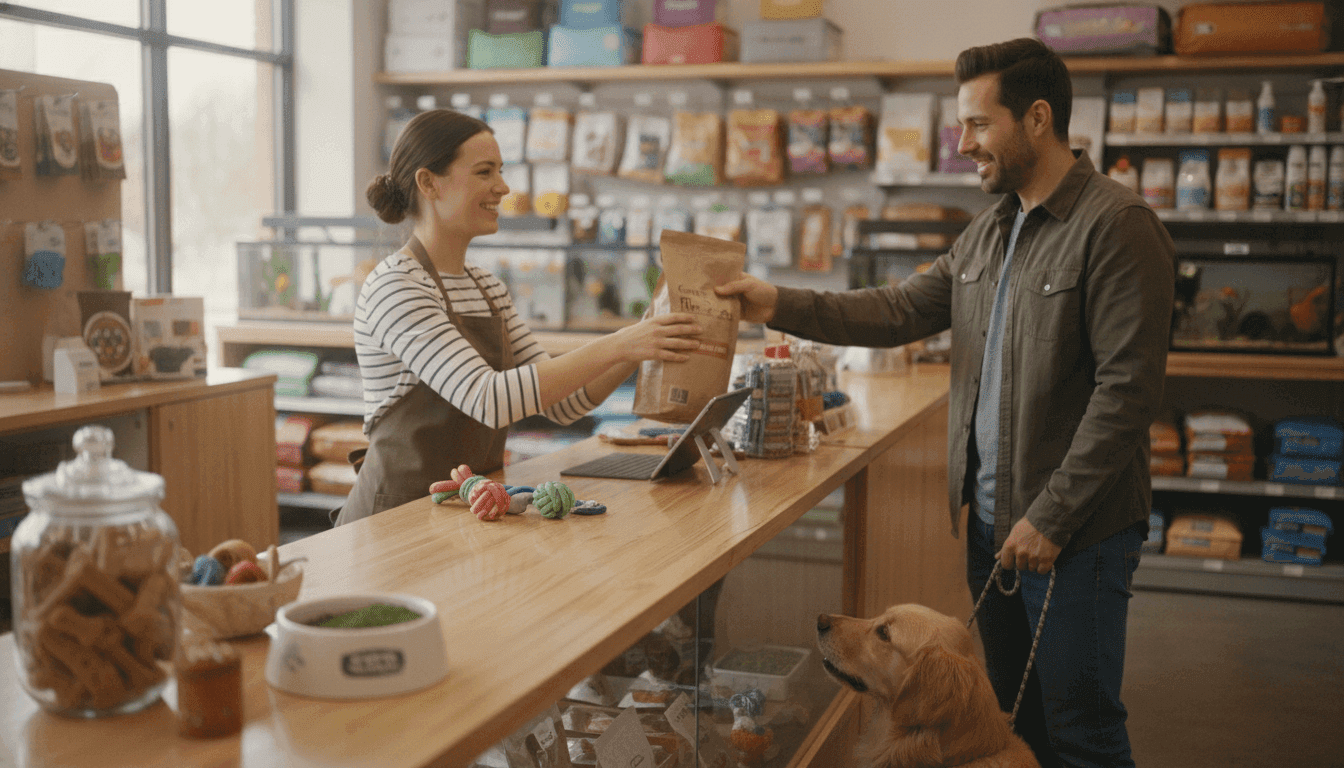
How to Set Up Online Booking for a Dog Grooming Salon
A step-by-step guide to how to set up online booking for a dog grooming salon, with real software pricing, no-show settings, and a launch checklist.

In this article
A groomer I know in Columbus took two phone calls for the same 10 a.m. Saturday slot in a single week. Both clients showed up. She spent her lunch break apologizing to a woman holding a very confused Bernedoodle, then comped the appointment to keep the booking. Her grooming work was never the problem. Her system was a paper diary and a phone that rang while her hands were wet.
If you've been researching how to set up online booking for a dog grooming salon, you already understand the why. This is the how. Below you'll find software picks with real price ranges, the exact settings that cut no-shows, a service-menu structure that stops double-bookings before they happen, and a launch checklist you can genuinely finish in a weekend.
Table of contents
- Why Online Booking Pays for Itself
- How to Set Up Online Booking for a Dog Grooming Salon, Step by Step
- How Long the Setup Actually Takes
- Five Mistakes That Sink First Attempts
- Turn the Booking Link Into Actual Bookings
- Start With a Soft Launch
Why Online Booking Pays for Itself
You work with your hands. Every ring of the phone is a hand off the clipper, and the math on that gets ugly fast. A phone booking takes three to five minutes once you account for interruptions, price questions, and the client who can't decide between a tidy and a full groom. An online booking takes under a minute, and for repeat clients it's often fifteen seconds of tapping.
Booking platforms also consistently report that a large share of appointments, often around 40 percent, come in outside working hours. That's the Sunday-night booking from the client who only remembered her poodle needed a trim after you'd gone home. A diary can't catch that. A booking page can.
Then there's the missed-call problem. Small service businesses commonly miss a third or more of their calls during busy periods, and many of those callers simply ring the next groomer on the list. You don't get a second chance with most of them. An online booking link turns those lost calls into confirmed appointments instead of voicemails nobody returns.
How to Set Up Online Booking for a Dog Grooming Salon, Step by Step
Here's the full process, six steps in the order I'd actually do them. The order matters. If you configure reminders and payments on top of a badly built service menu, you just automate your own mistakes faster.
Step 1: Pick Grooming-Specific Software
Start here, because everything else depends on it. Generic scheduling tools like Calendly or a bare Square calendar will happily book "1 hour" for every client, which is useless when a chihuahua bath takes 45 minutes and a double-coated husky deshed takes two and a half hours. You need software that understands dogs.
Most guides on how to set up online booking for a dog grooming salon start and end with "pick software," so here's the comparison they usually skip. Prices shift often, so treat these as ballparks and check current rates before you commit.
Tool | Best for | Rough monthly cost | Standout feature |
|---|---|---|---|
GoPet AI | Full salon management, booking through to POS | Quote-based by size | Pet records, loyalty, and booking in one system |
MoeGo | Mobile groomers | From around $30 | Route planning for van-based rounds |
Groomsoft | Multi-groomer salons | From around $40 | Grooming-specific reporting |
Square Appointments | Bare-bones start on a budget | Free for solo use | Simple, but no pet records |
Fresha | Getting listed quickly | Free to list, per-booking fees | Marketplace visibility |
My honest take: for a solo groomer or a salon with two to five staff, an all-in-one system beats a booking-only tool every time, because you stop copying data between three apps. That's a big part of why we built GoPet AI the way we did, with booking, pet records, invoicing, and loyalty running off the same client database. If you run a mobile van operation, MoeGo's routing genuinely earns its keep and I'd point you there instead. Pick wrong and you'll feel it in month two, so use the free trials. Sign up for two or three and enter real services into each one.
Step 2: Build Your Service Menu Around Duration, Not Just Price
This is the step most groomers rush, and it's where double-bookings are born. You do this before touching a single setting.
Build the menu in three parts:
- Size and coat tiers: price and time by weight band, for example under 30 lbs, 30 to 60 lbs, and over 60 lbs, with a surcharge flag for matted or double coats.
- Honest durations: a small-dog bath and tidy might be 60 minutes at $55, a full groom on a medium dog 90 minutes at $85, and a large doodle full groom 120 minutes at $135. Round every duration up and add a 15-minute buffer between appointments for cleanup and the dog that shakes water across the room.
- Add-ons as checkboxes: nails, teeth, flea treatment, de-shedding. Let clients tick these at booking so the calendar lengthens automatically instead of you discovering the extra 20 minutes on arrival.
Write descriptions clients can understand. "Groom per breed standard" means nothing to a new owner; "bath, blow dry, full-body clip, nails, and ears" books better and filters out the wrong bookings.
Step 3: Decide How Much Control Clients Get
Every platform offers two modes, and the right choice depends on how full your books are.
Instant booking puts the appointment straight on your calendar. It converts best, because the client commits while they're motivated. Approval-based booking sends you a request you confirm manually, which protects a delicate calendar but adds friction, and every hour of delay costs you conversions.
Start approval-based if you're newly booked-out or your grooming times vary wildly by dog. Go instant once your menu durations have settled and your no-show protection is in place. A hybrid works well too: instant booking for baths and nail trims, approval for full grooms on large or anxious dogs.
Step 4: Connect Payments and Deposits
Turn on card payments from day one, even if you prefer cash on the day. A card on file changes client behavior more than any reminder text ever will.
Then set a deposit. Charge 25 percent of the service price, credited against the final bill, required at booking. Salons that do this report no-shows falling by half or more, and in my experience the clients who balk at a $20 deposit on a $85 groom are disproportionately the ones who'd have left you sitting empty on a Saturday. State a clear cancellation window, typically 24 to 48 hours, and let the software enforce it automatically so you never have an awkward conversation at the door.
An empty table costs you $90. A deposit costs the client $22.50 and saves your whole morning.
Step 5: Automate Reminders and No-Show Protection
Set three touches and let the system run them forever:
- 48 hours before: a confirmation text with a reply-to-confirm option, which flags anyone wavering early enough to refill the slot.
- Morning of: a short reminder with your address and parking note. Clients forget addresses more than they forget appointments.
- Waitlist auto-fill: when a cancellation comes in, the next client on the list gets offered the slot automatically. A Saturday 10 a.m. cancellation at 9 p.m. the night before is only recoverable if this is already switched on.
Step 6: Test It, Then Publish the Link Everywhere
Book yourself in as a fake client. Use a dog you actually own, run the whole flow on your phone, and pay the deposit with a real card. You will find something broken; everyone does. Fix it, then put the link to work:
- The booking button on your website, above the fold, not buried in a contact page.
- The appointment link field on your Google Business Profile, which shows a Book button directly in search.
- Your Instagram bio and a pinned post.
- A QR code sticker on the front door, so walk-past traffic can book while they're standing there thinking about it.
How Long the Setup Actually Takes
A solo groomer can genuinely do this in a weekend: two hours trialing software, two to three hours building the service menu, an hour on payments and reminders, an hour testing, and two hours on the links and QR code. Roughly a working Saturday, with Sunday as your buffer.
Multi-groomer salons should budget an extra day or two for staff calendars, individual service assignments, and a 30-minute team walkthrough. Skip the walkthrough and you'll spend the first week fielding questions from your own staff, which defeats the entire point.
Five Mistakes That Sink First Attempts
These are the ones I see over and over:
- Letting clients pick any slot: if you leave gaps at wrong intervals, you'll get 45 minutes of work booked into a 90-minute window. Set your slot grid to match your buffer, not the other way round.
- Skipping the deposit "to be nice": you'll be nice straight into an empty Saturday. Charge it and offer painless rescheduling instead.
- Underpricing large dogs online: clients compare your listed prices to the budget groomer down the road and only see the small-dog rate. Publish the full range so nobody is surprised.
- Keeping the phone permanently off: online booking handles routine bookings, but a worried owner with a matted senior dog wants a human. Answer those calls yourself; they're often your best clients.
- Launching silently: a booking page nobody knows about is a diary with extra steps. Announce it properly, which brings us to the last section.
Turn the Booking Link Into Actual Bookings
Getting set up is only half the work; the link needs traffic. Your Google Business Profile is the highest-value spot by a distance, since it catches people searching "dog groomer near me" at the exact moment they're ready to book. Ask five happy regulars for reviews in the same week you launch, because fresh reviews move that listing up fast.
A simple launch offer helps: $10 off the first online booking for the next 20 clients gets your existing base onto the system and trains them to stop calling. If paid ads are on your list, local service campaigns are best run by people who do them daily, and that's the kind of work the team at Spook handles for service businesses. And if writing your website's service pages and booking-page copy makes you groan, handing the words to a professional service like JustGhostwriter is a cheap way to look established from day one. Once you've sorted how to set up online booking for a dog grooming salon, this last mile is what separates a working system from a quiet one.
Start With a Soft Launch
Don't flip the switch for the whole world on day one. Invite your top 20 regulars first, watch how they use the system, and fix the friction while the stakes are low. When those 20 have booked without calling you once, open it to everyone.
The standard you're aiming for is simple: a client can go from Google search to confirmed, deposited appointment in under three minutes without you lifting a finger, and your phone only rings for the conversations that actually need you. Pick your two software trials tonight and start the service menu this weekend.
GoPet AI was built for exactly this problem: one system where online booking, pet records, reminders, POS, and loyalty all share the same data, made for grooming salons, boarding facilities, and vet clinics that are tired of duct-taping tools together. If you'd rather spend Saturday with dogs than with settings, that's the trade we designed the platform around.
About the author
Jeremy
Petcare Sales Manager
Passionate about helping pet businesses thrive through technology and innovation.
Ready to streamline your pet care business?
Join thousands of groomers, boarding facilities, daycare centres, and vet clinics using GoPet AI to manage bookings, CRM, POS, and invoicing — all in one place.
- ✓Online booking & scheduling
- ✓Invoicing, POS & payments
- ✓CRM & client management
- ✓Staff, loyalty & analytics
Setup in under 2 minutes · Cancel anytime
Related articles
View all
Fireworks Safety for Boarding Kennels: A Practical UK Guide
Read article
Pet Grooming Appointment Software: The Complete 2026 Buying Guide for US Groomers
Read article